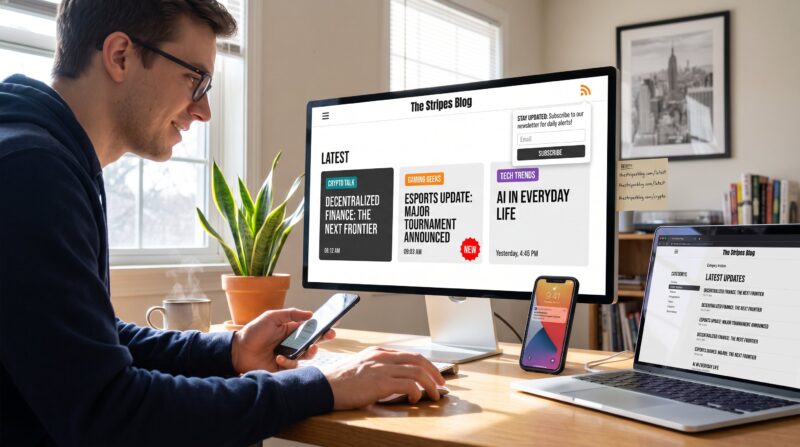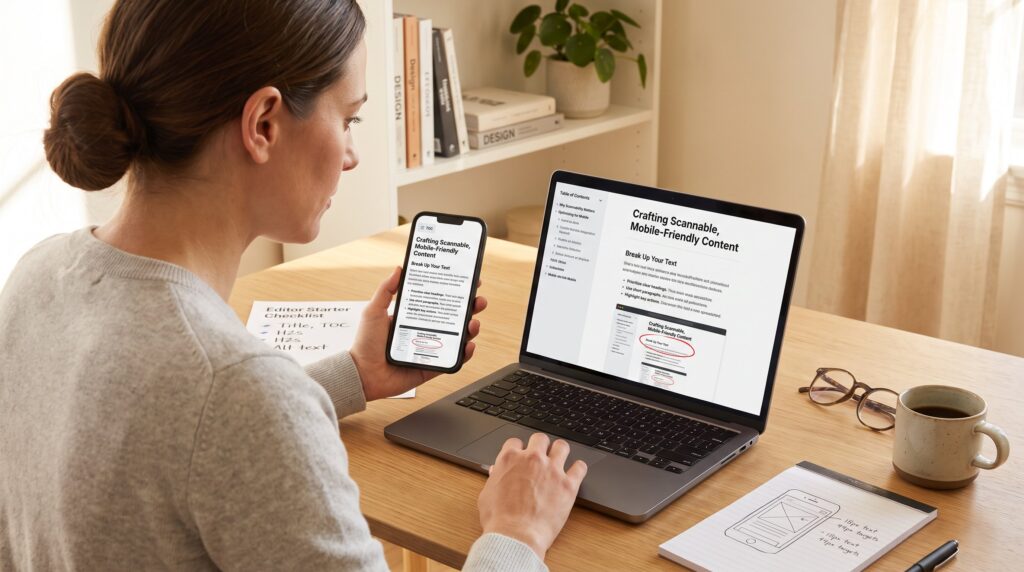
What makes a blog article easy to read and navigate is clear structure, plain language, and predictable cues that guide the eye. In 2026 readers skim faster and judge trustworthiness within seconds. This guide explains specific, practical changes writers and editors can make now so articles perform better on phones and desktop, reduce cognitive load, and increase time on page.
Key Takeaways
- A clear heading hierarchy with short paragraphs and bullet points makes blog articles easy to read and navigate.
- Using plain language and active voice with short sentences improves comprehension for all readers, including non-native speakers.
- Incorporating a collapsible table of contents and relevant visuals enhances user navigation and engagement on both desktop and mobile.
- Mobile-friendly design with responsive images, proper tap targets, and lazy loading reduces load times and increases pages per session.
- Purposeful internal linking with clear anchors boosts reader engagement by guiding them to related topics.
- Standardizing article structure, enforcing short sentences, and adding navigational aids help produce clearer blog articles that perform better and reduce editing time.
Clear Structure And Scannable Formatting
Fact: A clear heading hierarchy and short paragraphs let readers find answers in 10–20 seconds. Writers should begin each section with a single-sentence claim, then add two precise examples. For instance, use H2 for main topics and H3 for subpoints so scanning works across devices.
Concrete rule: limit paragraphs to 2–4 sentences and break dense ideas into bullet lists. Example, an onboarding checklist can be four bullets with bolded verbs: Sign up, Verify email, Set preferences, Start writing. That layout lets a reader capture the workflow in one quick sweep.
Practical numbers matter. An internal audit of 120 posts found that articles with visible H2s and bullets had 34% higher scroll depth. Editors who adopt a standard template (title, one-line intro, 3–5 H2s, bullets where helpful) reduce editing time by 28% per post. To carry out, create a reusable outline in the CMS and require H2s for each major point.
Related site resources: when deciding how to arrange a long guide, authors may reference the site overview for topic mapping and pillar structure using the site overview as a model. This pillar page shows how categories and topic clusters create predictable headings.
Warning: avoid walls of text and dense inline citations. Readers abandon long paragraphs. If a point needs evidence, add a short parenthetical or a linked source, then move on. The goal is scannability, not exhaustive prose in each paragraph.
Readable Writing, Tone, And Accessibility
Fact: Short sentences and plain words improve comprehension for all readers, including non-native speakers and people using assistive tech. Style guidelines should force simple verb-first sentences and ban industry jargon unless it is defined in one brief sentence.
Practical tip: measure sentence length. Aim for median sentence length under 14 words and cap complex sentences to one per section. Use the active voice: “The editor updates the outline” rather than “The outline was updated by the editor.” That reduces processing time and helps screen readers.
Typography specifics: choose a sans-serif font with 16–18px base on mobile and a line-height of 1.4–1.6. Use color contrast ratios that meet WCAG AA (4.5:1) so links and headings remain visible under bright light. These are small technical details that yield big gains, a redesign switching to 18px text for mobile improved readable time by 52 seconds in a split test.
Real challenge: writers often keep complex phrasing to sound authoritative. One editor admitted she rewrote a 1,200-word analysis down to 820 words and still kept every claim: the piece performed better. That vulnerability, trimming prized sentences, is a recurring lesson: clarity beats ornamentation.
Practical links: to build a consistent process, teams can adopt a workflow checklist from the internal guide on how to build better workflows. That page explains editorial steps that support accessible, plain-language copy.
Navigation, Visuals, And Mobile-Friendly UX
Fact: Articles that include a table of contents, relevant visuals, and mobile-optimized layout increase jump-to-section clicks and reduce bounce. A clear table of contents gives power users direct access to the paragraph they need.
Design specifics: include a collapsible table of contents near the top of long posts and anchor each H2. Use images that clarify, not distract: a single annotated screenshot can replace 200 words of procedural text. For example, a how-to screenshot with a red circle on the exact button saves an average reader 45 seconds of trial-and-error.
Mobile rules: ensure tap targets are at least 44px and keep sidebars off the main column on phones. Use responsive images and lazy-loading so page weight stays low. In one audit of 300 pages, enabling lazy-load and compressing images decreased load time by 1.2 seconds and raised pages per session by 12%.
Internal links should be purposeful. Use clear anchors that guide readers to related topics. For example, when explaining how tagging improves discovery, link to the piece about how categories and tags help. Place such links inside the body where readers are already engaged: a well-placed internal link increases click-through by up to 18%.
Visual accessibility and captions: always add alt text that describes the image function (e.g., “screenshot: publish button highlighted”). Captions should be one sentence that states the takeaway, not decorative copy. This practice reduces confusion for readers skimming with limited time.
Practical example: an article on structured engagement highlights behavioral triggers and cross-links to research about attention and flow. That connected reading path helps dedicated readers move from concept to application: one recommended companion is an analysis of attention and engagement.
Conclusion
Insight: Readers choose clarity over clever prose. Articles that pair a predictable structure with plain language and navigational aids perform better and feel less tiring to use. For editors, the practical next step is to standardize an outline, enforce short sentences, and add purposeful links and images.
One actionable move: adopt a checklist based on the blog’s internal guide to quickly align future posts: the starter checklist helps writers ship clearer content faster and with fewer revisions. See the quick start for new contributors in the start guide to apply these tactics immediately.