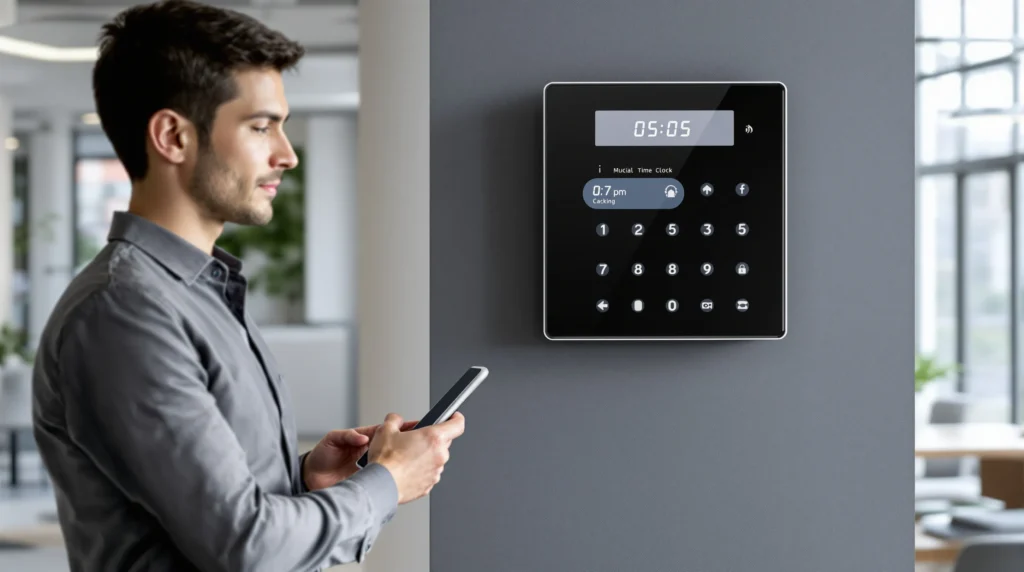
Picture this: It’s Monday morning, and you’re standing in your shop, coffee in hand, watching your team trickle in. You know you need to track everyone’s hours, but the old paper time sheet is already smudged and missing. If you’ve ever felt that sinking feeling—wondering if you’re paying too much, too little, or just plain guessing—then a time clock for small business might be the tool you never knew you needed.
Why Time Tracking Feels So Hard (And Why It Doesn’t Have To)
Let’s be honest. Most small business owners didn’t start their company to become payroll detectives. You want to focus on your craft, your customers, and your team—not on chasing down missing hours or deciphering handwriting that looks like a doctor’s prescription. But here’s the part nobody tells you: a time clock for small business isn’t just about tracking hours. It’s about trust, accuracy, and peace of mind.
The Real Cost of “Good Enough” Time Tracking
Think about the last time you had to fix a payroll mistake. Maybe someone forgot to clock out, or you spent an hour adding up timesheets. Those little errors add up. According to the American Payroll Association, businesses lose up to 7% of their payroll to time theft and errors. For a team of five, that could mean thousands of dollars a year—money that could go toward a new espresso machine, a team lunch, or just a little less stress.
What Is a Time Clock for Small Business?
A time clock for small business is a tool—physical or digital—that records when your employees start and end their shifts. It can be as simple as a wall-mounted punch clock or as advanced as a cloud-based app that works on your phone. The goal? Make sure everyone gets paid for the time they actually work, no more and no less.
Types of Time Clocks
- Physical punch clocks: The classic. Employees insert a card and punch in or out. Simple, but easy to fudge.
- Digital time clocks: Employees enter a code or swipe a card. More accurate, but still needs manual oversight.
- Mobile apps: Employees clock in from their phones. Great for teams on the go, but you’ll want GPS tracking to prevent “buddy punching.”
- Biometric clocks: Use fingerprints or facial recognition. Hard to fake, but can feel a little Big Brother for some teams.
Here’s why this matters: the right time clock for small business fits your workflow, not the other way around.
How a Time Clock for Small Business Changes the Game
Let’s break it down. When you switch from paper to a digital time clock for small business, you get:
- Accurate payroll: No more guessing or rounding up. Every minute counts.
- Less admin work: Most systems export directly to payroll software. That’s hours back in your week.
- Fairness: Everyone knows the rules. No more “he said, she said” about who stayed late.
- Real-time insights: See who’s on the clock, who’s late, and who’s working overtime—right from your phone.
If you’ve ever worried about paying overtime by accident or missing a labor law, a time clock for small business can help you sleep better at night.
Who Needs a Time Clock for Small Business?
This isn’t for everyone. If you’re a solo freelancer or your team is just you and your dog, you probably don’t need a time clock. But if you have hourly employees, run a retail shop, restaurant, or any business where people come and go, it’s a lifesaver. Even if you trust your team, mistakes happen. A time clock for small business isn’t about suspicion—it’s about clarity.
Common Mistakes (And How to Avoid Them)
I’ll admit it: I once tried to save money by using a free time clock app. It crashed every other week, and my team hated it. We lost hours of data, and I spent more time fixing problems than running my business. Here’s what I learned:
- Don’t go for the cheapest option. Free tools can cost you more in lost time and frustration.
- Test before you commit. Most time clock for small business solutions offer free trials. Use them.
- Get your team on board. Change is hard. Show your team how the new system helps them, too—like faster paychecks and fewer mistakes.
Here’s the part nobody tells you: the best time clock for small business is the one your team actually uses. Fancy features mean nothing if people forget to clock in.
Features to Look For in a Time Clock for Small Business
Not all time clocks are created equal. Here’s what to look for:
- Ease of use: If it takes more than five minutes to learn, skip it.
- Mobile access: Perfect for teams that work off-site or move around.
- Integration: Can it connect to your payroll or scheduling software?
- Reporting: Can you pull up hours, overtime, and attendance in a few clicks?
- Support: When something breaks, is there a real person to help?
If you’re not sure where to start, ask other business owners what they use. Real-world feedback beats marketing promises every time.
How to Set Up a Time Clock for Small Business (Without Losing Your Mind)
Ready to make the switch? Here’s how:
- Pick your system. Try a few demos. Don’t rush.
- Set clear rules. When should people clock in? What about breaks?
- Train your team. Show them how it works. Answer questions.
- Monitor for a week. Fix any hiccups before payday.
- Review reports. Make sure hours match up with your expectations.
Next steps: Once you’re up and running, check in with your team. Ask what’s working and what’s not. Small tweaks now can save big headaches later.
What Nobody Tells You About Time Clocks
Here’s the truth: a time clock for small business won’t fix a toxic culture or make people care about their work. But it will give you a clear, honest record. That’s the foundation for trust. And when your team knows you’re fair, they’re more likely to go the extra mile.
If you’ve ever felt overwhelmed by payroll or worried about compliance, you’re not alone. Every business owner has been there. The right time clock for small business won’t solve every problem, but it will give you one less thing to worry about. And sometimes, that’s all you need to breathe a little easier.