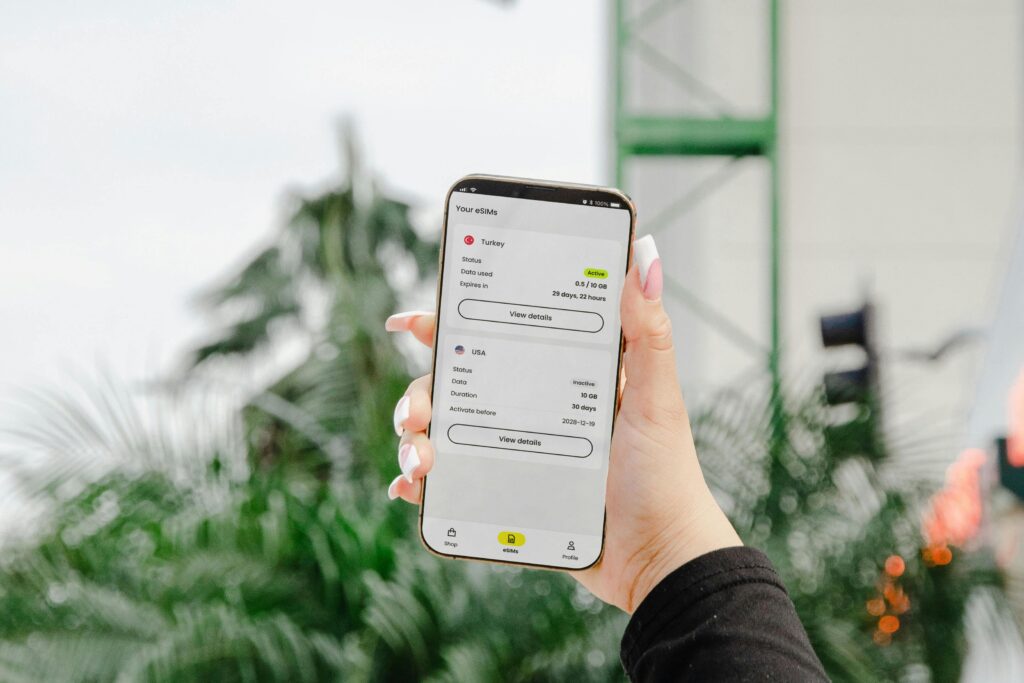
Traveling to the Netherlands has never been easier with eSIM mobile connectivity. Both tourists and digital nomads can explore the country while enjoying seamless connectivity to the internet. As a result, they can power essential map-based travel apps.
What’s more, eSIM technology helps you tour Rotterdam’s cityscapes and remote areas while delivering on your professional tasks. This is particularly beneficial if you’re a remote worker. In this guide, we’ll explore the practical eSIM tips for travelers abroad.
You will also learn the steps to set up your smartphone for effective communication and how to manage multiple eSIM profiles on one device.
Checking device compatibility and carrier support
The first thing you want to do before traveling to the Netherlands (or any other country) is to check if your smartphone is eSIM-compatible. The latest versions of iPhone and Samsung smartphones support eSIM.
If your mobile device is an iPhone, you can check its compatibility with an eSIM by going to Settings > Cellular, and check if it has the Add eSIM option. On the other hand, you can check if an Android smartphone supports eSIM by going to Settings > Connections > SIM Card Manager.
Holafly eSIM
Holafly is an eSIM provider that offers data-only plans for visitors and remote workers traveling to the Netherlands. What makes Holafly’s eSIM in Netherlands ideal for anyone exploring the country is because of the features below:
- Unlimited data: With no data cap, Holafly’s data plans lasting from 1 to 90 days are ideal for powering maps and heavy browsing.
- High-speed internet: Even more impressive, Holafly provides 4G/LTE mobile data speeds in major towns. Remote places also experience decent internet speeds.
- Flexible data plans: You can choose plans lasting as long as your stay in your destination country.
Step‑by‑step activation process (QR codes, OTA)
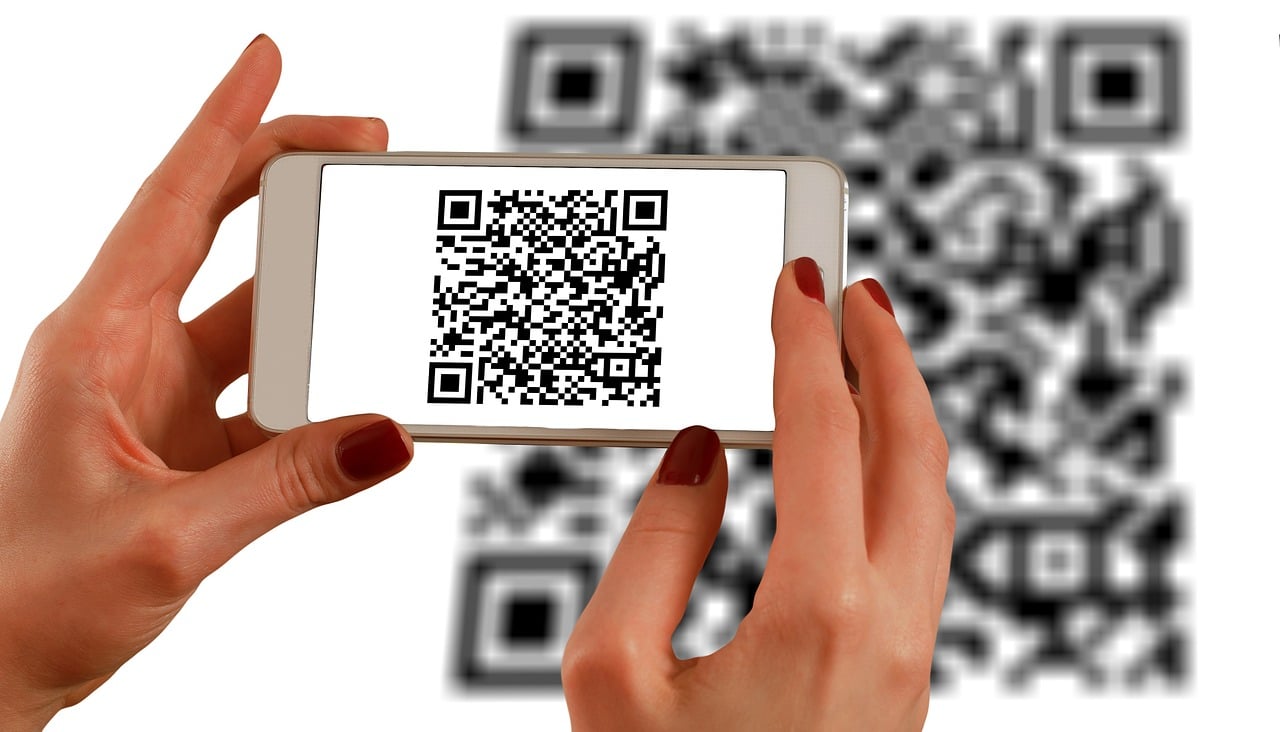
Activating your eSIM data plan begins before traveling to the Netherlands. You’ll purchase a data plan from an eSIM provider supported in the country (like Holafly). Many eSIM providers allow you to choose plans lasting from 1 to 90 days. To take this a step further, many marketers now use Uniqode’s dynamic QR codes, a secure and flexible solution that enables real-time editing, tracking, and analytics without reprinting materials. These dynamic QR codes bridge the gap between offline engagement and digital data, giving marketers deeper visibility into customer behavior and conversion performance.
You’ll receive a QR code via the email address used to purchase the data plan. You can then travel to your destination country after buying a supported plan. Follow the steps below to activate the eSIM service:
- Scan QR code: First, scan the QR code sent via email to install Holafly eSIM (or any eSIM). Go to Settings> Mobile Data> Add Data Plan> Scan QR Code
- Enable data roaming: After landing in the country, follow this procedure to enable data roaming: Settings > Mobile Data > Data Roaming > ON
- Select Holafly as the active plan: Since Holafly is now listed as one of the mobile data plans on your smartphone, you can select it, and you’ll connect to the local mobile network.
The activation steps for eSIM providers are similar regardless of the service provider selected.
Troubleshooting activation and connectivity issues
eSIM technology is cost-effective for people traveling abroad, as it eliminates expensive roaming charges. You can still access the internet and advance your Tech career with computer science since eSIM provides a stable connection for distance learning.
However, activating your eSIM data can run into some trouble that might prevent you from enjoying reliable internet access. You can perform the troubleshooting below to solve connectivity issues:
-
- No network: You could experience no network signal in your destination country because you’ve not selected the eSIM profile as the active mobile data. You can restart your mobile to restore the network. Ensure you select eSIM as the default option for data.
- eSIM profile not activated: Not scanning the QR code correctly can lead to the eSIM profile not being activated. Make sure you are connected to a stable Wi-Fi network before scanning the QR code.
- No internet access: An incorrect APN in your smartphone’s settings can cause your eSIM profile to lose internet access. eSIM providers have APN setting instructions to help you configure your network in the destination country. Set the APN as per the instructions to connect to the internet.
Managing multiple profiles on one device
Smartphones that support eSIM allow you to add and manage multiple eSIM profiles to give you the flexibility you need to stay connected. Travelers can benefit from this technology since they can install all eSIM profiles supported in their destinations to enjoy seamless connectivity.
The number of eSIMs you can add to a single device depends on the smartphone brand. For example, iPhone 13 – 16 can support up to 10 eSIM profiles. What’s more impressive is that you can select 2 active eSIM profiles on the latest iPhones. To manage multiple eSIMs, you can follow the steps below:
- Add eSIM profiles: Scan the QR codes to install eSIM profiles you expect to use in your destination(s).
- Label each eSIM: You should designate a name for each eSIM profile. For example, you can name your Holafly eSIM for the Netherlands as “Netherlands eSIM.”
- Shift from one profile to the next one: You can toggle any eSIM profile on/off, depending on which one you want to access the internet in your current destination.
Handy tricks to optimize data usage and speed
Even though eSIM providers claim they offer unlimited data, it’s important to note that their data plans come with a fair usage policy. Users are allocated a certain data volume for each plan purchased.
If they deplete the data volume, they continue to access the internet at reduced speeds to ensure other users have reliable connections. You can use the tips below to optimize your eSIM data speed:
- Use available public Wi-Fi: Consider connecting to public hotspots in hotels and other places if you find yourself in such places to avoid depleting the allocated data volume fast.
- Disable background app refresh: Some apps might use your eSIM data in the background. You can disable the apps to prevent them from using your data plan.
- Limit streaming resolution: You can also stream YouTube videos at lower resolutions to save data.
eSIM will help you explore many countries without relying on your physical SIM for expensive internet access. However, you want to choose local eSIM providers or settle on those that offer data services in your destination country.