Video content has become one of the most powerful tools for engaging audiences, whether on social media, YouTube, or marketing campaigns. However, simply creating a video isn’t enough. Keeping viewers engaged from the first second to the last requires smart editing techniques. Attention spans are shorter than ever, and people quickly scroll past videos that don’t immediately capture their interest.
If you want to boost watch time, retain viewers, and increase engagement, mastering video editing is crucial. Fortunately, with tools like AI video editor, you can streamline the editing process and create professional-looking videos with ease. Below are nine essential editing tricks to keep your audience hooked from start to finish.
1. Start with a Strong Hook
The first few seconds of your video are critical. If you don’t grab the viewer’s attention immediately, they will move on. A strong hook can be:
- A surprising fact or statistic
- A bold statement or question
- A compelling visual or action sequence
- A preview of what’s coming next
Your goal is to create curiosity and make viewers want to keep watching.
2. Keep It Concise and Focused
Attention spans are short, so avoid unnecessary filler content. Get straight to the point and ensure every second of your video adds value. Cutting out slow or irrelevant parts keeps the video dynamic and engaging.
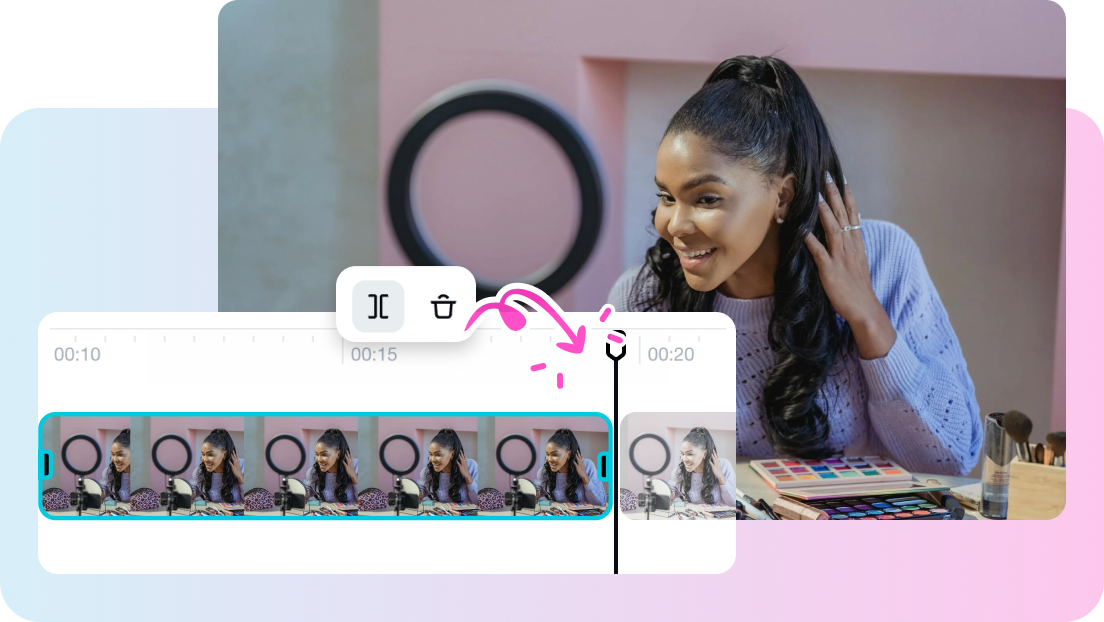
A high-quality video cutter can help you remove unnecessary footage effortlessly. By trimming excess content, you ensure your video remains sharp, impactful, and holds the audience’s interest.
3. Use Jump Cuts for a Faster Pace
Jump cuts are a popular editing technique used to maintain a fast-paced, engaging flow. By cutting out pauses, unnecessary transitions, or slow parts, you can keep the energy high and prevent viewers from getting bored.
Jump cuts work especially well for:
- Tutorials
- Vlogs
- Storytelling videos
- Explainer videos
They help create a sense of movement and make your video feel more dynamic.
4. Add Engaging Text and Graphics
Many viewers watch videos without sound, especially on social media. Adding text, captions, and graphics helps convey your message even if the audio is off.
Use text overlays to:
- Highlight key points
- Reinforce important messages
- Guide the viewer’s attention
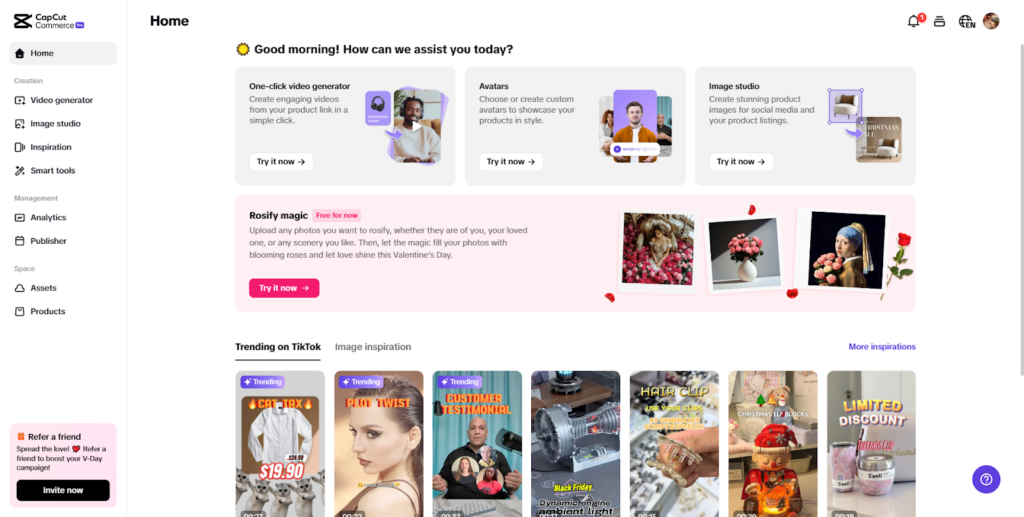
Platforms like CapCut Commerce Pro provide easy-to-use text animation features to make your visuals more appealing.
5. Use Transitions Strategically
Transitions can make or break your video. Overusing fancy effects can be distracting, while well-placed transitions enhance flow and storytelling.
Some effective transitions include:
- Cut transitions: Simple, direct cuts between scenes
- Fade in/out: Creates a smooth opening or closing effect
- Slide transitions: Useful for moving between related scenes
- Zoom cuts: Adds energy and focus to a subject
By using the right transitions at the right moments, you keep your video engaging without overwhelming the viewer.
6. Incorporate Sound Effects and Background Music
Audio plays a huge role in maintaining engagement. The right background music can set the mood, while sound effects can emphasize actions or emotions.
Tips for effective audio editing:
- Match the music to the tone of the video (e.g., upbeat for energetic content, soft for emotional videos)
- Use sound effects to enhance storytelling (e.g., swooshes for transitions, dings for key points)
- Keep the volume balanced—ensure dialogue is clear and not overpowered by music
CapCut Commerce Pro offers a vast library of royalty-free music and sound effects, making it easy to enhance your videos with the right audio elements.
7. Add B-Roll Footage for Variety
B-roll footage adds depth and variety to your video, preventing it from feeling monotonous. Instead of just showing a talking head, a B-roll allows you to visually illustrate what’s being discussed.
For example:
- A cooking tutorial can include close-up shots of ingredients being prepared
- A travel vlog can feature scenic clips alongside narration
- A product review can show hands-on demonstrations
Switching between the A-roll (main footage) and the B-roll keeps the video dynamic and visually interesting.
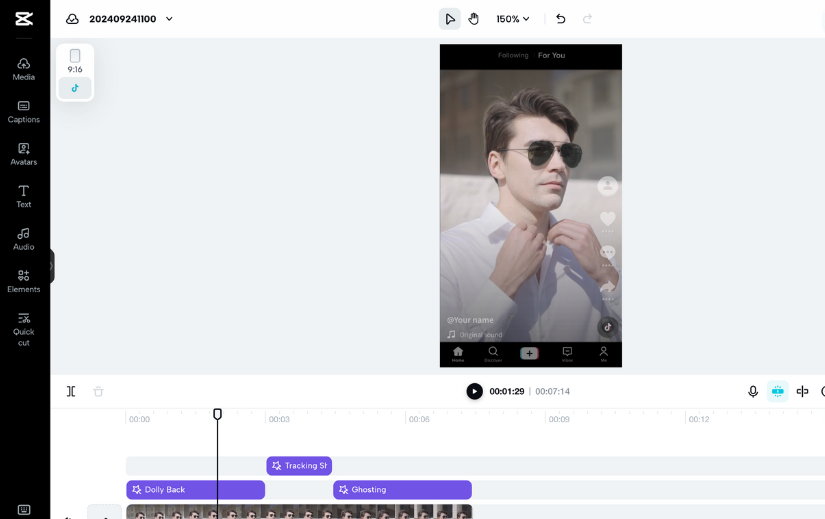
8. Use Zoom and Motion Effects
Static shots can become boring over time. Introducing movement through zoom-ins, zoom-outs, and panning effects keeps the video visually engaging.
Motion effects can:
- Emphasize key points
- Create dramatic effects
- Keep the viewer’s eyes focused on the most important part of the screen
Even subtle motion adjustments can add energy to your video and enhance storytelling.
9. End with a Strong Call to Action (CTA)
The last few seconds of your video are just as important as the first. Ending with a clear call to action ensures your audience knows what to do next.
Some effective CTAs include:
- Encouraging viewers to like, comment, and share
- Directing them to visit a website or subscribe
- Prompting them to check out related content
By guiding your audience toward the next step, you increase engagement and achieve your video’s purpose.
Final Thoughts
Editing plays a vital role in keeping viewers engaged from start to finish. Whether you’re creating social media videos, tutorials, or marketing content, these editing tricks can help you capture attention and maintain audience interest.
Using powerful tools like CapCut Commerce Pro and an efficient video cutter, you can enhance your videos, make them more dynamic, and optimize them for maximum engagement.
By implementing these nine editing strategies, you’ll create compelling videos that keep viewers watching, increase engagement, and elevate your content to the next level.